An old computer may no longer switch on, but that does not mean its customer files, payroll records or saved documents have disappeared. As businesses introduce AI tools, they should pay attention to the information already sitting on retired devices as well as the data they upload today.
The practical priority is not to assume that AI can recover every deleted file. It is to stop confidential information leaving your control on equipment that has not been properly assessed and sanitised.
Deleting a file is not a disposal plan
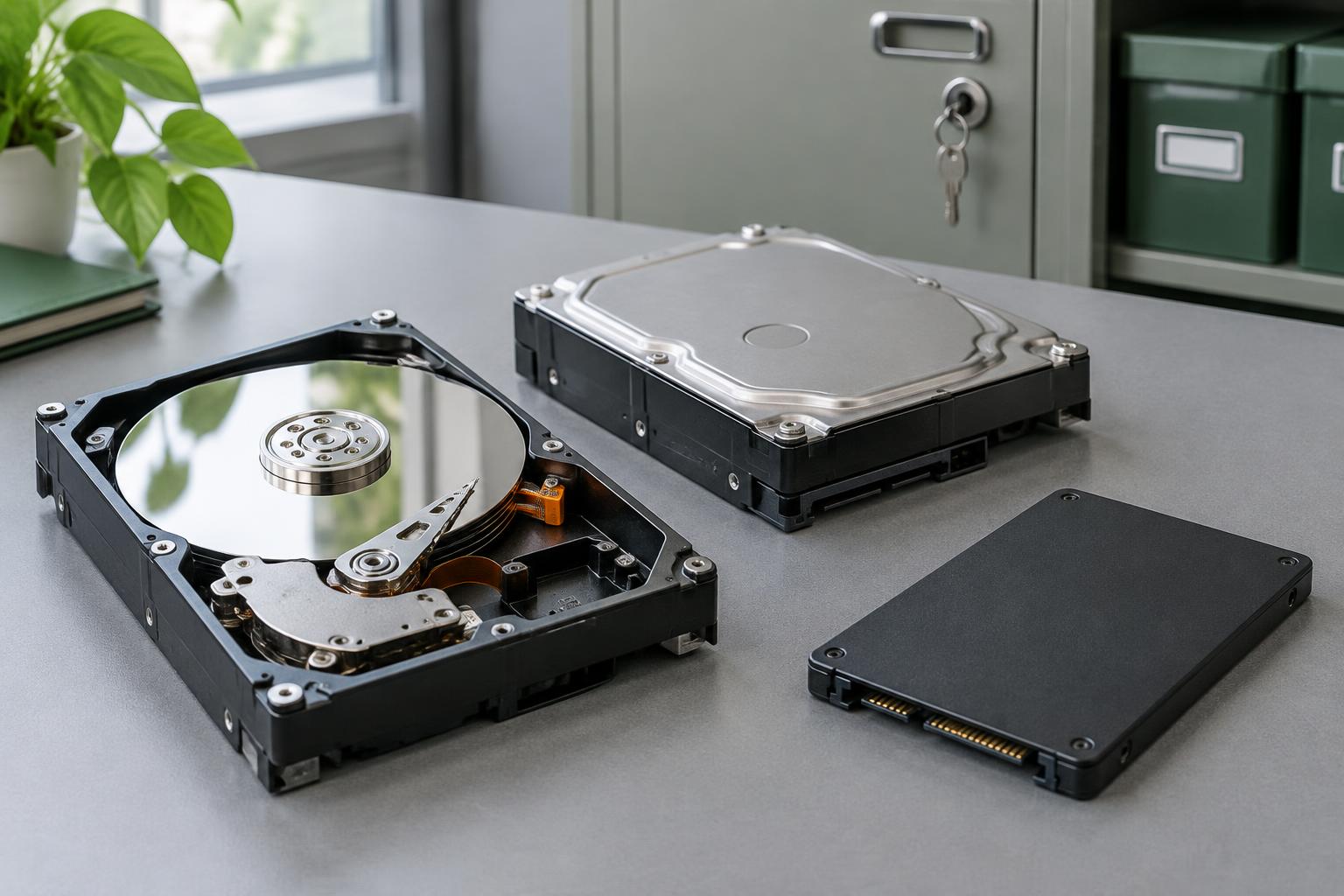
Moving files to the recycle bin is not a reliable sanitisation method. The appropriate approach depends on the storage medium, its condition, the sensitivity of its contents and whether it will be reused. A method suitable for a magnetic hard disk may not be appropriate for an SSD. Degaussing, for example, is not a sanitisation method for flash storage.
NCSC guidance addresses secure sanitisation and disposal of storage media. Its scope has limits: avoid treating any generic disposal claim as a guarantee against every possible recovery technique.
A practical checklist for retired drives
- Identify what you hold. List old PCs, laptops, external drives, SSDs and removable media. Record their location and an asset identifier.
- Preserve what you legitimately need. Check retention requirements, ongoing disputes and any preservation instructions before authorising deletion. Verify necessary records are available in the approved replacement system.
- Secure devices awaiting disposal. Restrict access, store them securely and keep a log of movements. A cupboard full of forgotten equipment is still a data-protection responsibility.
- Choose a suitable method. Obtain competent advice on verified sanitisation for reuse or physical destruction for end-of-life media. Do not improvise by drilling or smashing a drive yourself.
- Document the handover and outcome. Confirm the supplier's process, the media accepted and what destruction records will be provided. Match the evidence to your asset register.
Where AI fits into the picture
AI can help organisations search and analyse information they can access. That makes controlling access to legacy records important; it does not mean every old drive is an AI-specific threat. NCSC's machine-learning principles also advise considering both data and models when retiring AI assets.
Destroying a physical drive does not delete copies from cloud storage, backups, shared folders or an AI provider. Review those locations separately. If confidential information was uploaded to an AI service, follow your incident process and the provider's applicable deletion arrangements rather than assuming hardware destruction resolves it.
Arrange secure hard-drive disposal
North East Shredding Service offers hard-drive and digital-media shredding. Tell us the types and quantity of media you hold so we can discuss suitable collection arrangements. Request a quote or call 0333 360 8269.
Sources and further reading
- NCSC: Secure sanitisation and disposal of storage media
- NCSC: Decommission your machine-learning assets
- ICO: Disposal and deletion
Published 3 November 2026. General information, not legal advice. Cover image is an illustrative AI-generated image, not a photograph of our facility.